
IPTV Glossary: Every Term Explained in Plain English
Rather than hunting through separate articles for a quick definition, this page collects the terms you're most likely to run into in one place.
4 min read
Sonix4K gets you streaming in HD and 4K across Fire TV, Android TV, smart TVs, phones, and computers — with plain-language setup guides and support when you need it.
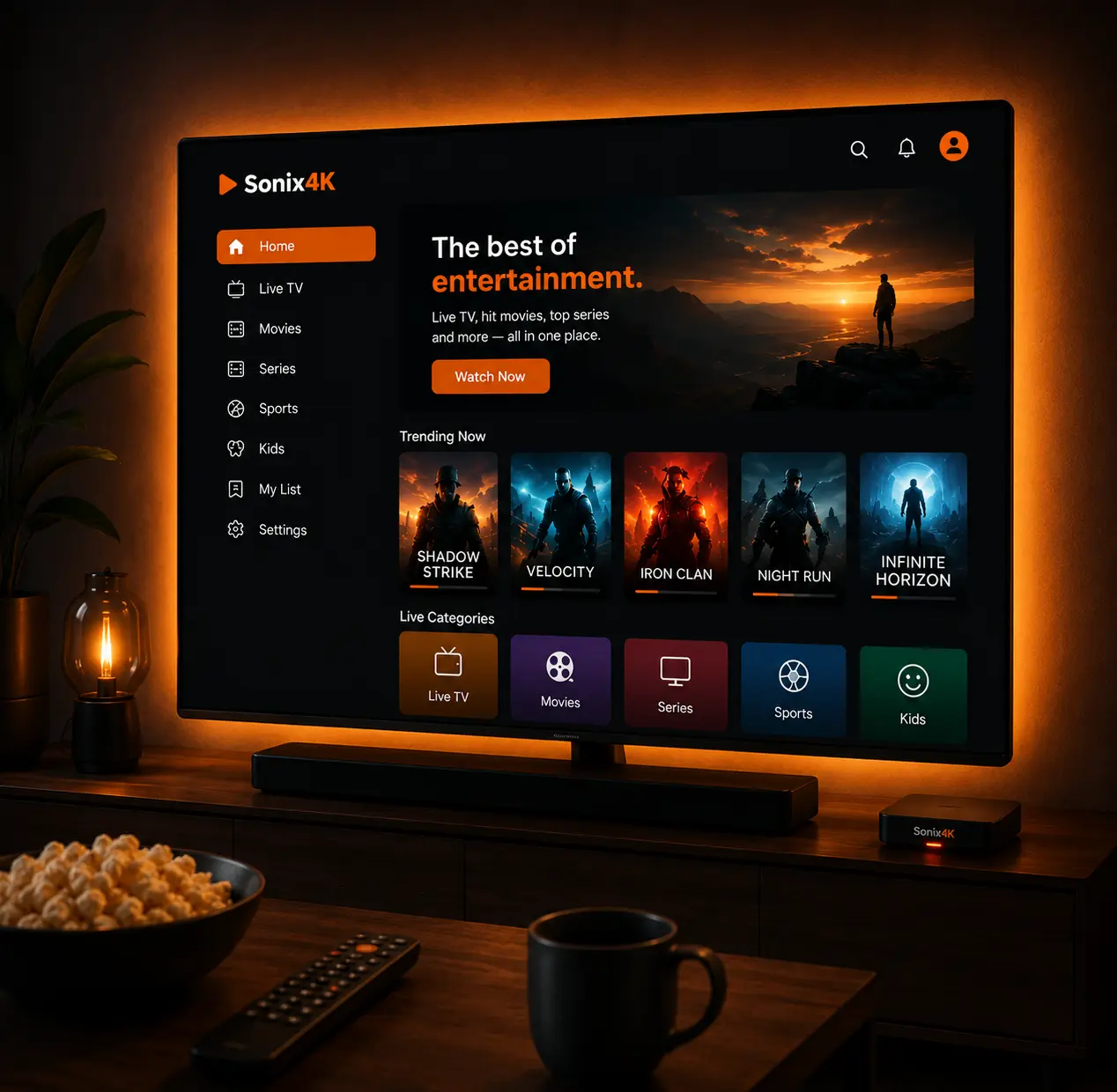
4K Ready
Optimized for HD and 4K playback on supported devices.
Multi-Device
Stream across the devices included in your plan.
Easy Setup
Step-by-step guides get most devices running in minutes.
Support & Guides
Troubleshooting resources and support when you need it.
Pick the plan that matches how many devices you want to stream on from the Pricing page.
Use the step-by-step guide for your specific device from the Setup hub — most take under 15 minutes.
Sign in on your device and you're ready to go. Switch devices anytime within your plan's limits.
Shown here at 1 connection — visit the pricing page to compare rates for up to 4 connections.
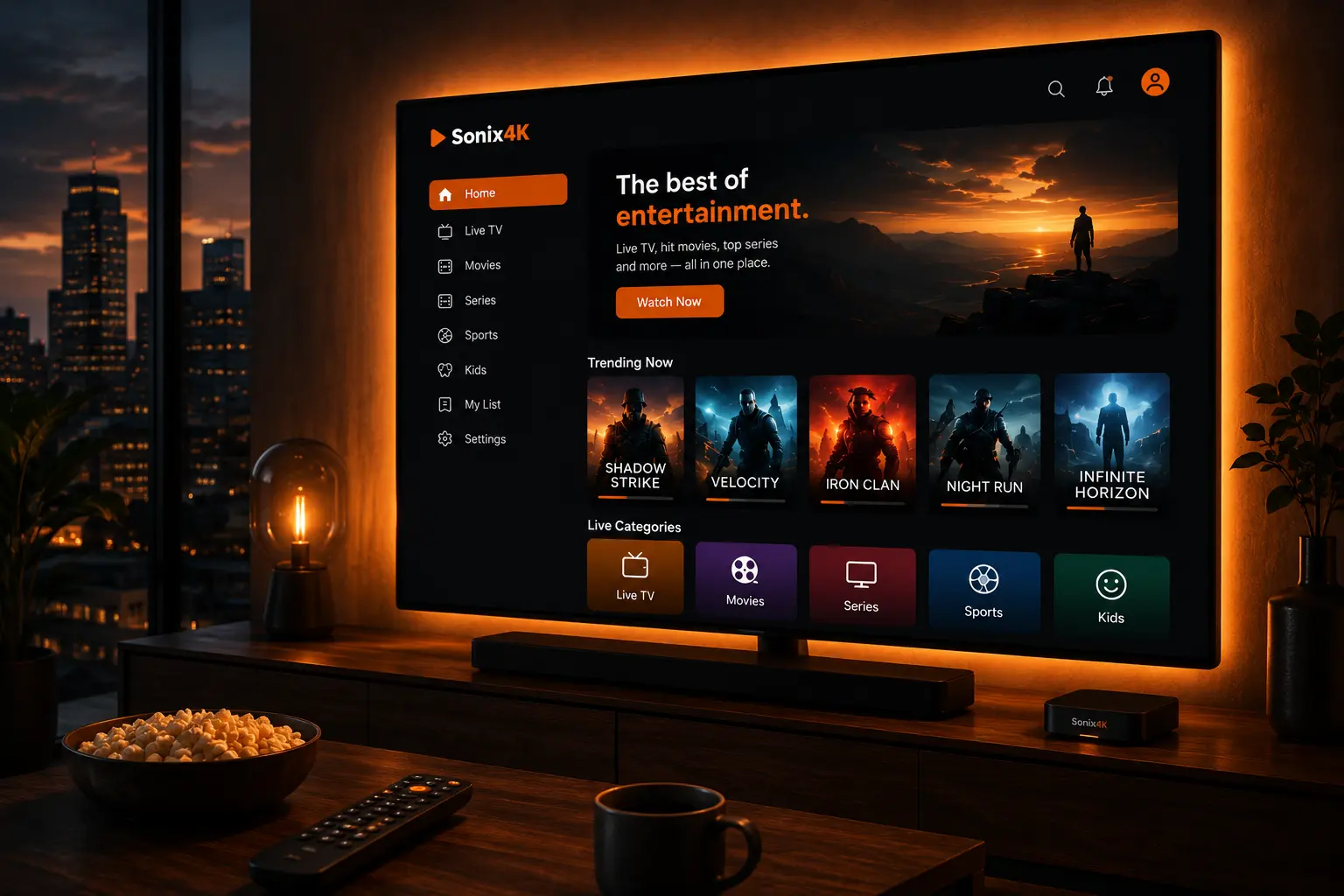
From first-time setup to day-to-day reliability, Sonix4K is built around the practical parts of streaming that actually affect your experience.
Set up on Fire TV, Android TV, Google TV, Apple TV, smart TVs, phones, tablets, and computers.
Optimized delivery designed to keep pace with high-resolution streaming on a stable connection.
Move between the devices included in your plan without losing your setup or preferences.
Step-by-step network and router guidance to reduce buffering before it starts.
Reach out through our contact form when a guide doesn't cover your specific situation.
Clear monthly plans with no long-term contract required.
No need to buy new hardware — Sonix4K supports the streaming platforms most households already have.
Everything about Sonix4K is built around getting you streaming smoothly and keeping you supported along the way.
Clear step-by-step guides designed to help you get your streaming setup running with less guesswork.
Practical setup guidance for supported streaming devices, with clear instructions for getting started.
Our support team is available around the clock to help with setup, device configuration, troubleshooting, and questions.
The Sonix4K interface stays consistent whether you're on the living room TV, a phone on the go, or a laptop at your desk.
Smart TV & streaming boxes
Phones & tablets
Laptops & desktops
Practical, plain-language walkthroughs for setup, troubleshooting, and choosing the right gear.
Rather than hunting through separate articles for a quick definition, this page collects the terms you're most likely to run into in one place.

Rather than one long guide covering everything at once, this breaks the first week into a sequence that actually builds on itself.

Whether you can lock channels or set a PIN depends on your specific player app, not your subscription — here's how to check and configure what's actually available.
Most issues — buffering, connection drops, app crashes — have a known fix. Start with our troubleshooting library, then reach out if you're still stuck.
Scan the QR code with your phone or use the button below to start a conversation with our support team.

Sonix4K is a streaming service and knowledge hub focused on helping you get set up and stay running smoothly across the devices you already own.
Sonix4K supports major streaming platforms including Fire TV/Firestick, Android TV, Google TV, Apple TV, Samsung and LG smart TVs, and mobile and desktop devices. See the Devices page for the full list.
Choose a plan on the Pricing page, then follow the setup guide for your specific device from the Setup hub. Most setups take under 15 minutes.
Our Troubleshooting section covers the most common issues, including buffering and connectivity problems. If you can't resolve it there, reach out through the Contact page.
Still have questions? Contact Sonix4K
Pick a plan, follow your device's guide, and you'll be streaming in minutes.